
Share:

How to Top Up Game Diamonds Safely: A Complete Guide for Mobile Gamers
Learn how to top up game diamonds safely: verify the seller, double-check your player ID, pay with QRIS or e-wallet, and never share your password or OTP.
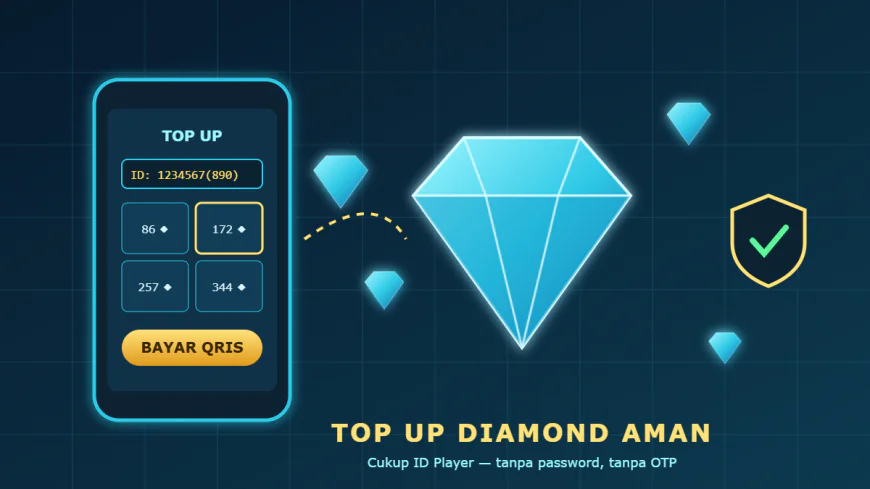
Mobile gaming has become one of the most popular forms of entertainment across Southeast Asia. Titles like Mobile Legends, Free Fire, PUBG Mobile, and Genshin Impact are free to download, but most players eventually want something extra: a new hero skin, a battle pass, or enough diamonds to unlock a limited event reward. That is where game top-ups come in. Done right, topping up is fast, cheap, and completely safe. Done wrong, it can cost you money or even your entire account.
This guide walks you through everything you need to know about topping up game diamonds safely, from choosing the right seller to protecting your account after the purchase. Whether you are a casual player or a ranked grinder, these steps will help you get the most value out of every rupiah you spend.
What Exactly Is a Game Top-Up?
A game top-up is the process of adding in-game currency, such as diamonds, UC, crystals, or credits, to your account. You can buy this currency directly inside the game through the Google Play Store or Apple App Store, or through a third-party seller that partners with publishers or resellers. Third-party sellers have become hugely popular because they often offer better prices, more payment options, and bonus promotions that official stores do not provide.
The key thing to understand is that a legitimate top-up only ever needs your player ID (and sometimes a server or zone ID). It never requires your password, your email login, or a one-time verification code. Keeping that single rule in mind will protect you from the vast majority of scams.
Why Many Players Prefer a Dedicated Toko Game Online
A dedicated toko game online focuses specifically on in-game currency and vouchers. Because that is their core business, the experience tends to be smoother than buying through general marketplaces. Here are the main advantages:
- Local payment methods. Pay with QRIS, bank transfer, or popular e-wallets instead of needing a credit card.
- Competitive pricing. Specialized stores often run discounts, bundles, and flash sales on popular denominations.
- Fast delivery. Good stores process orders automatically, so diamonds usually arrive within minutes.
- Multiple games in one place. You can top up several titles from the same account without juggling different apps.
Of course, not every store deserves your trust. The next sections explain how to tell a reliable seller from a risky one.
Step 1: Verify the Seller Before You Pay
Before you enter any details, take a few minutes to research the store. Look for a clear website with contact information, a visible list of supported games, and transparent pricing. Read reviews from other players on social media or gaming communities. A trustworthy shop will also explain its delivery time and what happens if something goes wrong.
Stores such as NOVA GAMERS make these details easy to find, listing their delivery window, accepted payment channels, and a clear promise that they never ask for account passwords. That kind of transparency is exactly what you should be looking for.
Step 2: Double-Check Your Player ID and Server
The most common reason a top-up "fails" is not fraud at all; it is a typo. One wrong digit in your player ID can send your diamonds to a stranger's account, and most stores cannot reverse a completed delivery. Always copy your ID directly from your in-game profile rather than typing it from memory. If the game uses server or zone IDs, as Mobile Legends does, confirm those numbers as well.
Many stores will display your in-game nickname after you enter your ID. Use this feature. If the name shown does not match your account, stop and recheck before paying.
Step 3: Choose the Right Denomination
It is tempting to buy the biggest package available, but smart players plan ahead. Decide what you actually want to buy, whether that is a specific skin, a battle pass, or a starlight membership, and calculate how many diamonds you need. Some games offer first-purchase bonuses or double-diamond events, so timing your top-up around these promotions can give you significantly more value for the same price.
Step 4: Use a Secure Payment Method
Pay through official channels only: QRIS, bank transfer, or a recognized e-wallet. Avoid sellers who ask you to send money to a personal account, pay through unusual gift cards, or "confirm" your payment by sharing screenshots of your banking app. Keep your payment receipt until the diamonds have arrived in your account. If there is any problem, that receipt is your proof of purchase.
Step 5: Never Share Your Password or OTP
This rule deserves its own section because it is the one scammers exploit most often. No legitimate top-up service needs your password, your linked email, or a one-time password (OTP) sent to your phone. If anyone asks for these, whether in a chat, a social media comment, or a so-called "verification" form, it is a scam. Sharing these details can lead to your account being stolen, stripped of items, and resold.
For extra protection, link your game account to a secure email, enable any available two-factor authentication, and avoid logging into your account on shared devices.
Share:
More in Technology
View categoryUnderstanding In-Game Currencies: A Player's Guide to Cash, Virtual Currency, Gems and Vouchers
A clear guide to in-game currencies: stored balances, premium gems and vouchers, how to read top-up price lists and how to buy the right amount safely.
READ ARTICLEGenesis Crystals vs Welkin Moon: Smart Ways to Top Up Genshin Impact on a Budget
Genesis Crystals or Welkin Moon? Compare value, learn how pity works, and follow simple budgeting habits to top up Genshin Impact smartly without overspending.
READ ARTICLEComing Back to Your Favorite Games: How Smart Top Ups and Vouchers Make the Return Worth It
Returning to an old favorite game? Learn how to restart without feeling lost, genre-by-genre comeback tips, and how game vouchers and top ups make the return smoother.
READ ARTICLEDEX GAME Guide: Building Your PC Game Collection with Steam Wallet, Game Keys and DLC
How to build a PC game collection on a budget with Steam Wallet credit, game keys and DLC, plus where Apex Coins top ups fit in and how to buy safely.
READ ARTICLE