Share:

Your App Works on iPhone but Breaks on Android (or the Other Way Around)
Does your app work on iPhone but break on Android? Learn why mobile apps behave differently across platforms and how to fix common issues.
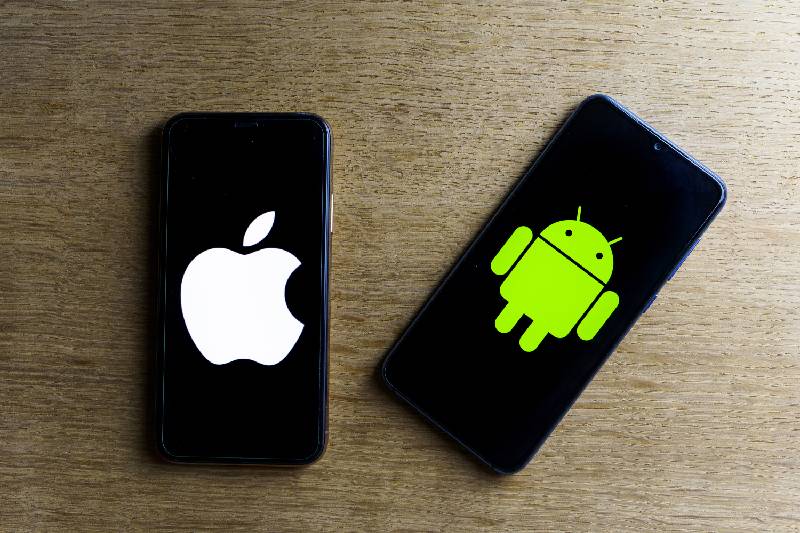
Launching a mobile product requires immense preparation, design, and testing. Few experiences are as frustrating as launching your application only to discover that it runs perfectly on an iPhone, yet stutters, crashes, or misaligns on Android. Conversely, an app might run smoothly on dozens of Android smartphones but refuse to render properly on iOS.
This single-platform failure is a common challenge in mobile app development Phoenix businesses face every day. When your application fails on one major operating system, you risk alienating half of your target market, damaging your brand reputation, and burning through your technical support budget.
Understanding why cross-platform discrepancies happen and how to address them early saves time, money, and customer trust.
Why Mobile Apps Fail on One Platform
While modern development frameworks make cross-platform deployment easier than ever, iOS and Android remain fundamentally different ecosystems. They rely on distinct hardware architectures, memory management styles, rendering engines, and security guidelines.
1. Hardware Fragmentation vs. Controlled Ecosystems
Apple designs both the hardware and the operating system for its devices. At any given time, developers only need to account for a small, predictable set of active iPhone models, screen resolutions, and chipsets.
Android is an open-source operating system used by thousands of device manufacturers worldwide. From budget smartphones to flagship foldable devices, Android runs on thousands of different screen sizes, processor architectures, and GPU configurations. An application designed with iOS app development Phoenix standards might run smoothly on a controlled set of iPhones, but crash on Android when encountering an unexpected screen aspect ratio or hardware chipset.
2. Differing Operating System Architectures
Under the hood, iOS and Android handle system resources differently:
- Memory Management: iOS enforces strict memory limits per application. If an app uses too much memory, iOS terminates it without warning. Android uses dynamic memory management, allowing more flexibility, but it can suffer from garbage collection stutters if code is inefficient.
- Background Processing: Android allows background tasks and services to run relatively freely, provided power-saving modes do not restrict them. iOS aggressively suspends background activities to conserve battery life. An app that relies on background sync might run reliably on Android, yet fail on iOS due to system restrictions.
Share:
More in Technology
View categoryHow Sage 50 Hosting Helps Accounting Firms Manage Multiple Clients
Learn how Sage 50 hosting helps accounting firms manage multiple clients, access financial data remotely, collaborate with teams, and protect accounting files securely.
READ ARTICLESpider Clothing: Discover the Streetwear Style of Sp5der and Sp5der Hoodies
Spider Hoodie is available at the sale price. Get the Amazing Spider Clothing at the Official Online Store. Big Discount With Free Shipping.
READ ARTICLE