
Share:

Square POS WooCommerce Sync: Manage Inventory, Products, and Orders Automatically
Connect Square POS with WooCommerce to sync products, inventory, and orders automatically while reducing manual work and errors.
Managing both online and offline sales can be challenging for businesses. When inventory, orders, and product details are handled separately in different systems, it often leads to errors, overselling, and wasted time. Businesses using Square POS for in-store sales and WooCommerce for their online store often face these issues. This is where SKUPlugs provides a reliable solution.
The Square WooCommerce integration with SKUPlugs connects your Square POS with your WooCommerce store, allowing seamless synchronization of products, inventory, and orders between the two platforms. This integration helps businesses streamline operations, reduce manual work, and improve overall efficiency.
In this article, we will explore how SKUPlugs helps businesses integrate Square with WooCommerce and the benefits of using this powerful integration.
What is Square WooCommerce Integration?
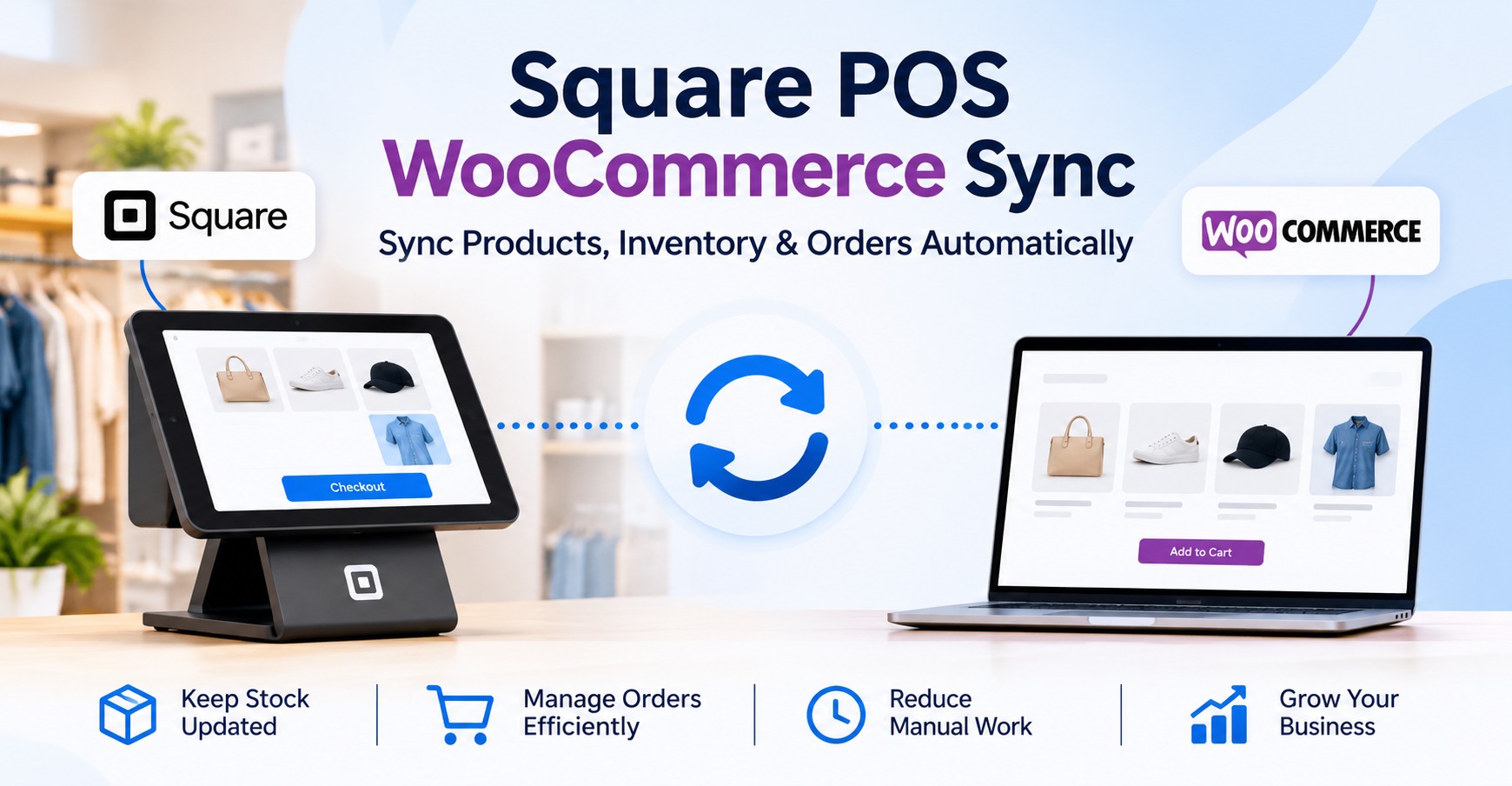
Square WooCommerce integration allows businesses to connect their Square POS system with their WooCommerce online store. With the help of SKUPlugs, both platforms can communicate automatically and share important data.
This means when you update a product, price, or stock in Square, it can automatically reflect in WooCommerce. Similarly, online orders from WooCommerce can also be synced back to Square. The integration ensures that both platforms always remain updated with the latest information.
SKUPlugs acts as a bridge between these systems, ensuring smooth and reliable data synchronization.
Key Features of Square WooCommerce Integration by SKUPlugs
1. Automatic Product Synchronization
With SKUPlugs integration, products created in Square can automatically sync with WooCommerce. This saves time and eliminates the need to manually create products in both systems.
Product details such as:
- Product name
- SKU
- Description
- Images
- Categories
- Pricing
can be synced smoothly between Square and WooCommerce.
2. Real-Time Inventory Sync
Inventory management becomes much easier when Square and WooCommerce are connected through SKUPlugs.
Whenever a product is sold in your physical store through Square, the inventory automatically updates in WooCommerce. Likewise, when an order is placed online in WooCommerce, the stock updates in Square.
This real-time inventory sync helps prevent overselling, stock mismatches, and inventory confusion.
3. Order Synchronization
SKUPlugs also allows WooCommerce orders to sync directly into Square POS. This helps businesses manage all orders from a single system.
Instead of checking multiple dashboards, business owners can track online and offline orders easily. This improves order management and saves valuable time.
Share:
More in Technology
View categoryHow ChatGPT and Gemini Pick Which Indian Brands to Mention
A brand can hold first position on Google and still go missing from an AI answer. The ranking of the brand does not match with the number of mentions. Generative engine optimization services India tries to bridge the gap by analyzing what these engines can learn about the brand from the web.
READ ARTICLEIs your AI project delivering ROI, or still stuck in pilot? Here’s what to fix first
Is your AI project stuck in pilot? Blockchainappsdeveloper, with 10+ years of global experience, builds AI, GenAI and Copilot solutions. Get a free AI audit.
READ ARTICLEBuy Seqrite Quick Heal Antivirus License in India
Contact Radiant Info Solutions for Seqrite and Quick Heal license procurement, volume licensing and subscription renewals in India.
READ ARTICLE