
Share:

How to Build a Custom iPhone App with On-Device AI for Enterprise Workflows
Enterprise mobile apps are moving beyond dashboards, forms, and remote access to business systems. The next generation of iPhone applications can understand text and images, extract information, assist employees, and execute workflow actions directly from the device.
Apple’s latest platform direction makes this shift particularly relevant. The Foundation Models framework gives developers access to on-device language models, while multimodal prompts, Vision tools, Core AI, and App Intents allow businesses to build intelligent experiences that interact with real workflows.
For enterprises, this creates an important opportunity: build a custom iPhone application where sensitive operational tasks can be assisted by AI without sending every piece of information to a remote AI service.
What Makes an Enterprise iPhone AI App Different?
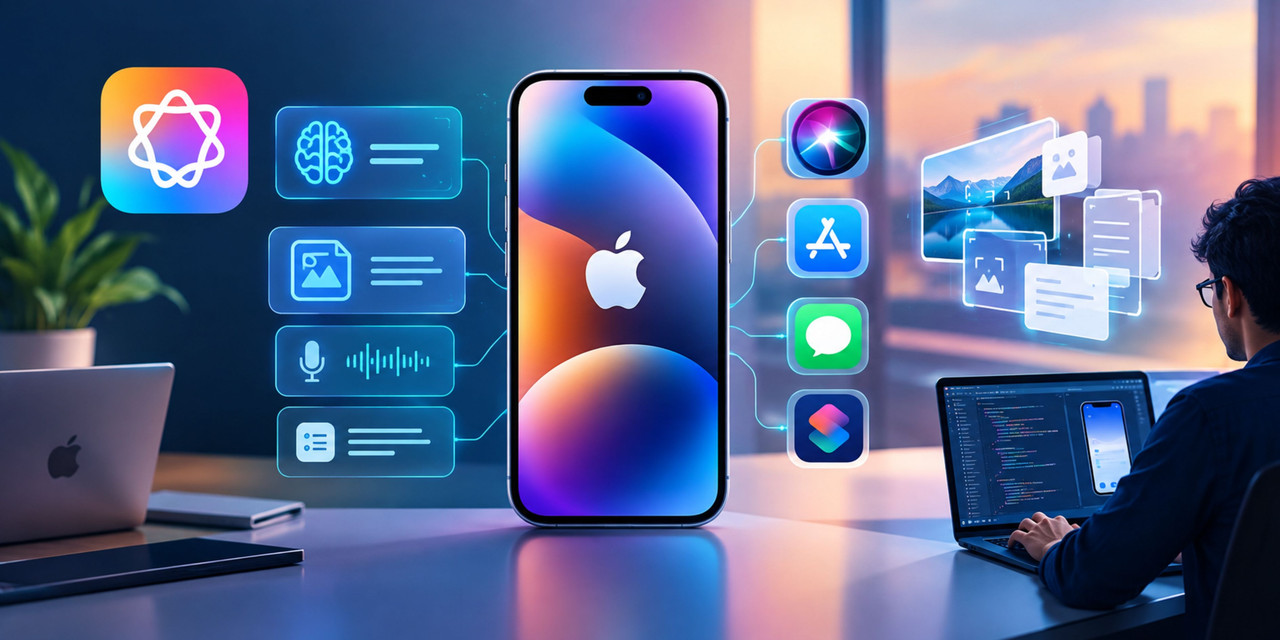
A consumer AI app might summarize text or generate a response. An enterprise iPhone app has a different responsibility.
It may need to:
- Read invoices, inspection reports, or shipping documents
- Extract information from photographs
- Summarize customer interactions
- Identify missing information in forms
- Work with limited or no connectivity
- Follow employee permissions
- Connect with ERP, CRM, HR, or inventory systems
- Trigger approved business actions
- Protect sensitive company information
This is why Custom iPhone app development services should begin with the workflow rather than the AI model.
For example, consider a field-service technician inspecting industrial equipment. Instead of manually entering every observation, the technician could photograph a component, use on-device AI to interpret the image and accompanying notes, generate a structured inspection summary, and submit the result for approval.
The objective is not simply “adding AI.” It is reducing the number of manual steps between observation and business action.
Step 1: Identify the Enterprise Workflow
Start by mapping the workflow that the iPhone application needs to improve.
A useful workflow map includes:
Employee → Input → AI processing → Business rule → Human approval → System action
For example:
Technician → photo + voice note → AI extracts issue → validates required fields → manager approval → creates maintenance ticket
This approach prevents AI from becoming an isolated chatbot inside an otherwise conventional application.
The reference material on modern mobile development also highlights that AI can accelerate development, but enterprise applications still require careful engineering around security, integrations, performance, permissions, and scalability.
Step 2: Decide What Should Run On Device
Not every AI operation belongs on the iPhone.
The architecture should divide workloads into three categories:
On-device AI
Use on-device processing for tasks such as:
Share:
More in Technology
View categoryEcommerce Rollback Planning for Orders Already Placed
Build an ecommerce rollback plan that accounts for accepted orders, captured payments, fulfillment actions, data compatibility, and forward recovery.
READ ARTICLEData Labeling Companies for Retail Computer Vision
Compare data labeling companies for retail images, shelf detection, product catalogs and production annotation quality workflows.
READ ARTICLEAI Medical Writing Tools for CROs: Streamlining e-Document Automation
Improve clinical documentation workflows with AI medical writing tools that support e-document automation for CROs, quality checks, and regulatory consistency.
READ ARTICLEUser and Entity Behavior Analytics (UEBA) : Improving Risk Visibility
User and Entity Behavior Analytics (UEBA) is an advanced cybersecurity solution that uses machine learning, artificial intelligence, and behavioral analytics to monitor, detect, and respond to suspicious activities across users, devices, applications, and network entities.