
Share:
How iPhone Apps Can Use AI Agents to Automate Multi-Step User Tasks
Discover how AI agents can automate multi-step tasks in iPhone apps using Siri, App Intents, on-device AI, APIs, and intelligent workflows.

For years, mobile apps have made users responsible for completing workflows themselves: open an app, search for an item, select an option, enter details, confirm the action, and repeat the process whenever something changes.
AI agents are changing that interaction model.
Instead of simply answering a question, an AI agent can understand a user's goal, determine the steps required, call the right tools or APIs, use application context, and execute actions with appropriate permissions. This is particularly relevant on iPhone, where Apple is expanding the connection between apps, Apple Intelligence, Siri, App Intents, on-device models, and system-level context.
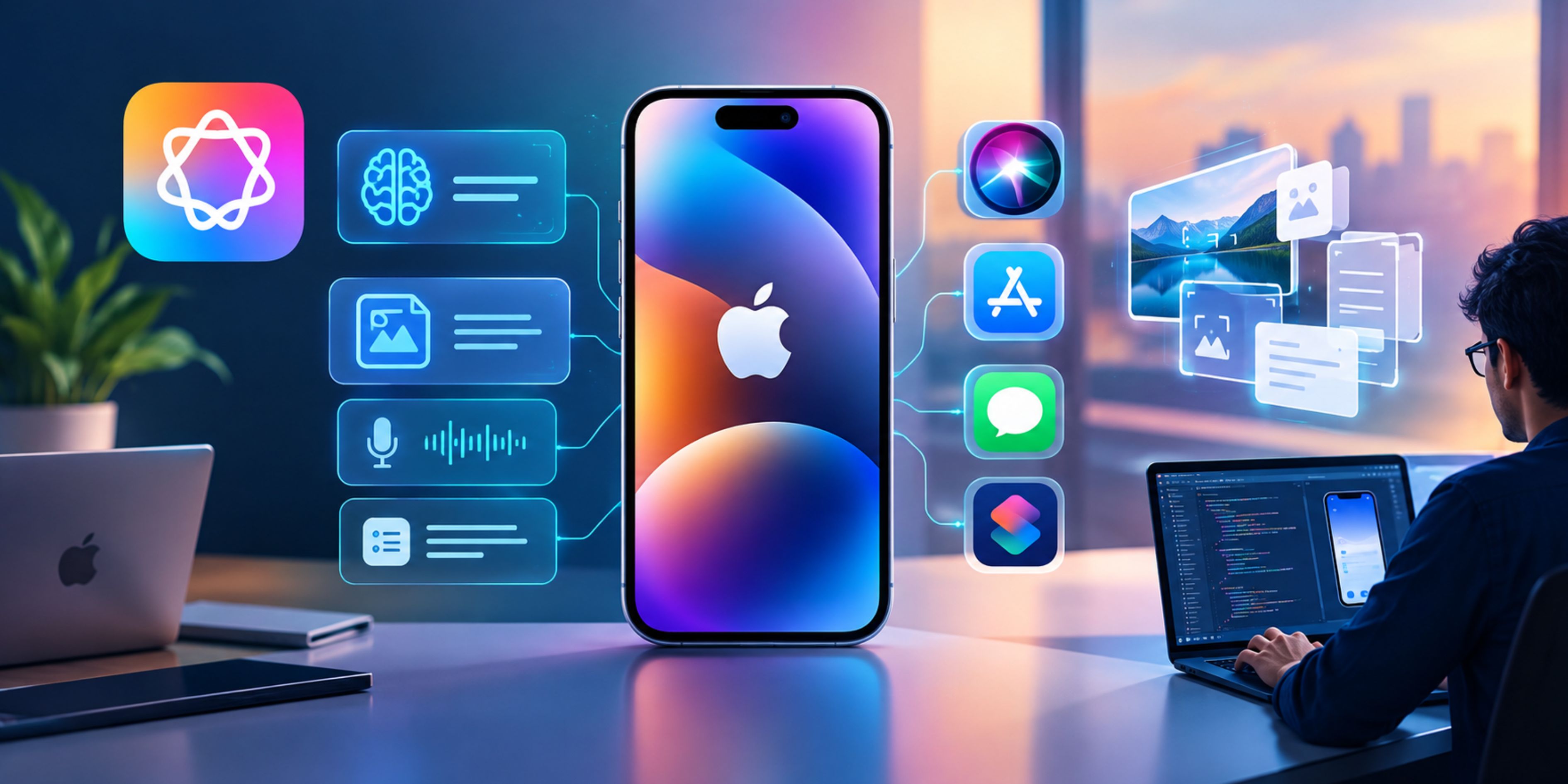
Apple's current developer platform allows apps to expose their capabilities to Apple Intelligence through App Intents, while the Foundation Models framework gives developers native APIs for building intelligent and agentic experiences. Apple has also introduced mechanisms for orchestrating multiple models, tools, context, and agent phases inside an app.
For businesses investing in iphone mobile app development services, this creates an opportunity to move beyond feature-based apps toward goal-driven applications that can actually complete work for users.
What Makes an AI Agent Different From a Chatbot?
A chatbot primarily responds to a user's message. An AI agent is designed around a goal.
For example, consider a shopping app.
A traditional chatbot might answer:
“The blue running shoes are available in size 10.”
An agent could handle a broader request:
“Find me running shoes under $150, compare the three best options, add the most suitable one to my cart, and apply my available discount.”
The agent needs to:
- Understand the user's requirements.
- Search the product catalog.
- Filter products by price and availability.
- Compare relevant attributes.
- Select an appropriate option.
- Check available discounts.
- Add the product to the cart.
- Ask for confirmation before a purchase.
That distinction—answering versus accomplishing—is at the center of agentic mobile experiences.
Research into mobile computer-use agents is also moving toward more complex scenarios. The 2026 iOSWorld benchmark evaluates agents across single-app tasks, multi-app workflows, and personalized tasks involving information such as messages, transactions, travel records, and user preferences.
How AI Agents Can Automate Multi-Step iPhone Tasks
The most valuable applications are not necessarily the ones that add a chat window. They are the ones that remove repetitive steps from an existing workflow.
1. Turn Natural-Language Goals Into App Actions
Imagine a travel application where a user says:
“Plan a three-day business trip to Chicago next month. Keep the hotel below $250 per night, choose a flight arriving before 10 AM, and add the itinerary to my calendar.”
An agent could break this into separate operations:
- Identify the travel dates.
- Search flights.
- Filter arrival times.
- Search hotels.
- Apply price constraints.
- Compare available options.
- Present the selected itinerary.
- Create calendar entries after approval.
The user does not need to understand which screen performs each action.
This is where Apple's App Intents framework becomes important. Developers can describe the entities and actions their apps support so Siri and Apple Intelligence can understand what the app can do. Apple says these actions can also surface through system experiences such as Spotlight, Shortcuts, widgets, and Siri.
2. Build Agents Around Tools, Not Just Prompts
A production agent needs access to reliable tools.
For an iPhone banking application, for example, an agent might have access to tools such as:
- get_transactions
- categorize_expense
- get_account_balance
- create_budget
- schedule_payment
- export_statement
The model decides which tools are relevant to the user's request, while the application controls what each tool is actually allowed to do.
A request such as:
“How much did I spend on restaurants last month, and set a $500 dining budget for this month.”
could therefore become a multi-step workflow:
Retrieve transactions → classify spending → calculate total → create budget → confirm completion.
The agent is not directly given unrestricted control of the application. Instead, its capabilities are exposed through defined functions with authentication, authorization, validation, and business rules.
That architecture is particularly important when developing enterprise-grade applications through mobile app development services.
3. Use On-Device AI for Context-Sensitive Tasks
One of the most significant developments for iPhone developers is Apple's Foundation Models framework.
Apple provides developers with access to its on-device foundation model through a native Swift API. At WWDC 2026, Apple also expanded the framework to support image input and server models, allowing developers to combine on-device intelligence with more capable cloud models when appropriate.
This creates a practical hybrid architecture.
An iPhone app could use an on-device model for:
- Intent interpretation
- Text classification
- Summarization
- Personalization
- Lightweight reasoning
- Local content understanding
A server model could then handle more demanding workflows requiring greater reasoning capacity or specialized capabilities.
Apple's 2026 Foundation Models guidance specifically describes agentic workflows involving dynamic profiles, multiple model configurations, shared context, tool calling, and orchestration between different phases of a task.
4. Make Siri the Entry Point to an Agentic Workflow
The future of iPhone automation is not necessarily users opening an app first.
They may simply tell Siri what they want.
For example:
“Send my latest expense report to Sarah.”
The system can identify the relevant document, understand the intended recipient, and invoke the appropriate app action.
Apple's App Schemas are designed to make app entities and actions understandable to Siri. Developers describe the actions an app supports, their parameters, and how those actions should be executed.
This changes the role of the app interface.
Instead of forcing users to navigate:
Dashboard → Reports → Expenses → Latest Report → Share → Contact → Send
the app can expose the underlying capability so the system can execute the workflow through natural language.
The interface still matters, but the interface becomes one way of accessing functionality rather than the only way.
5. Replace Long UI Flows With Goal-Based Interaction
AI-agent-driven interfaces are increasingly moving toward a model where users describe outcomes instead of navigating through individual controls.
Consider a project-management app.
Instead of:
Projects → Select Project → Tasks → Add Task → Assign → Set Priority → Set Due Date
the user could say:
“Create a high-priority task for the design team to finish the homepage before Friday and assign it to Alex.”
The agent interprets the request and converts it into structured application actions.
This does not mean traditional buttons disappear overnight. Certain actions still benefit from explicit controls, especially when users need visibility or precision.
The emerging pattern is AI + traditional UI, rather than AI replacing every interface element.
6. Design Agents With Permission Boundaries
Automation becomes significantly more sensitive when an agent can perform real actions.
A banking app might allow an agent to analyze transactions automatically but require explicit approval before transferring money.
Similarly:
- Searching products can be automatic.
- Adding an item to a cart can be automatic.
- Placing an expensive order may require confirmation.
- Reading permitted account information may be automatic.
- Changing security settings should require stronger authorization.
Apple's own guidance for agentic features emphasizes security checkpoints and protection against attacks that could manipulate an application's AI-driven execution.
A useful architecture therefore separates:
Understand → Plan → Prepare → Confirm → Execute → Audit
rather than allowing the model to execute every requested operation immediately.
7. Connect Agents to Real Business Systems
The agent itself is only one part of the architecture.
A production iPhone agent may need connections to:
- CRM platforms
- Payment systems
- Booking engines
- Inventory databases
- Calendar services
- Search indexes
- Enterprise APIs
- Customer profiles
- Internal knowledge bases
For example, an insurance app could receive:
“Check my policy, tell me whether windshield damage is covered, find an approved repair shop nearby, and schedule an appointment.”
That requires several systems working together:
Policy database → coverage rules → location service → repair-provider API → scheduling system
The AI agent acts as the orchestration layer connecting those capabilities.
This is why modern iOS App Development Solutions increasingly need to consider AI orchestration, API architecture, permissions, observability, and backend integrations alongside the traditional mobile interface.
8. Personal Context Can Make Agents More Useful
A generic AI assistant knows the current request.
A useful mobile agent can also understand relevant context.
For example:
“Prepare me for my flight tomorrow.”
Depending on the permissions and capabilities available, the system could retrieve the user's itinerary, identify the departure time, check relevant documents, surface the terminal information, and create a reminder.
Apple's current platform is explicitly designed around personal context, app entities, semantic indexing, and system-level orchestration.
But personalization must be permission-aware. More context creates more capability—and potentially more risk.
What the Agentic iPhone Architecture Looks Like
A practical architecture can be divided into five layers:
1. iPhone Experience Layer: Swift/SwiftUI interface, voice interaction, Siri, widgets, Spotlight, and conversational UI.
2. Agent Layer: Intent detection, planning, reasoning, context management, model selection, and task orchestration.
3. Tool Layer: Typed functions and App Intents that expose specific application capabilities.
4. Business Logic Layer: APIs, databases, authentication, payments, CRM, bookings, and other backend services.
5. Security Layer: Permissions, confirmation checkpoints, validation, audit logs, rate limits, and protection against prompt or tool manipulation.
This separation helps keep the AI model from becoming an uncontrolled application controller.
What Businesses Should Build First
Businesses should not begin by adding an agent to every part of an iPhone app.
A better starting point is one workflow with clear inputs, repeatable steps, measurable outcomes, and well-defined permissions.
Good candidates include:
- Reordering frequently purchased products
- Scheduling appointments
- Preparing expense reports
- Updating CRM records
- Managing travel itineraries
- Summarizing and organizing documents
- Processing customer-service requests
- Creating and assigning tasks
- Finding information across an enterprise knowledge base
The goal is not simply to make an app “AI-powered.” The goal is to reduce the number of actions a user must perform to achieve a meaningful outcome.
The Next Phase of iPhone App Development
AI agents are pushing iPhone applications from screen-driven software toward goal-driven software.
Apple's current developer stack—Foundation Models, App Intents, App Schemas, on-device intelligence, server-model integration, and agent orchestration—gives developers more building blocks for this transition.
For companies investing in iPhone mobile app development services, the strategic question is therefore changing.
It is no longer only:
“What screens should our app have?”
It is increasingly:
“What tasks should our app be able to complete for the user?”
Debut Infotech can approach this shift by combining native iOS development with AI agents, API integrations, App Intents, intelligent orchestration, and security controls. The result is not simply an app that talks to users, but an application capable of helping users accomplish multi-step work with fewer manual interactions.
The strongest agentic iPhone experiences will likely be those that make complexity invisible: the user describes the desired outcome, the app understands the context, the agent coordinates the necessary tools, and the user remains in control of consequential actions.
Share:
More in Technology
View category

Zero Trust Network Security Market: SPARK Matrix Analysis of Leading ZTNS Vendors
The Zero Trust Network Security market is evolving rapidly as enterprises seek to reduce attack surfaces and strengthen access controls across cloud, on-premises, and hybrid environments.

How Can Claude Help Amazon Sellers Automate Seller Central Operations?
Discover how Claude can automate Amazon Seller Central operations, from inventory monitoring and sales reporting to customer support, order analysis, and AI-powered workflows.
READ ARTICLE
Best Crypto Trading Platforms in 2026: Compare Fees, Security, Features & Rewards
Looking for the best crypto trading platform in 2026? Compare the top cryptocurrency exchanges by trading fees, security, supported assets, rewards, staking, and advanced trading features to find the right platform for your investment goals.
READ ARTICLE