
Share:

Enterprise iPhone App Deployment: Choosing Between Public App Store, Private Apps, and Managed Distribution
Learn how to choose the right enterprise iPhone app deployment method by comparing public App Store, private apps, and managed distribution for security and control.
Introduction
Enterprise iPhone apps often handle information that should not be available to every App Store user. Sales teams may access customer records, field technicians may upload inspection evidence, and franchise partners may use company-specific ordering systems. Choosing how to distribute these apps is therefore an architectural decision, not simply a publishing task.
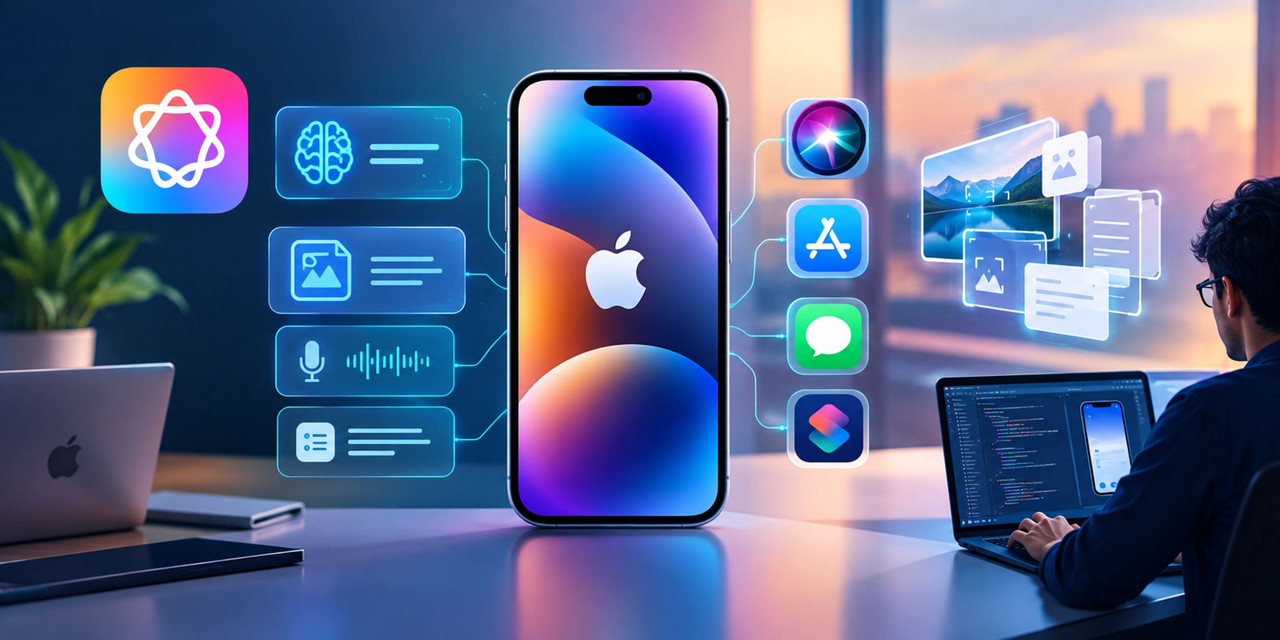
For businesses working with an iphone mobile application development company, the right deployment strategy depends on who will use the app, how devices are managed, and how access should change when employees or partners leave. Public App Store distribution, private Custom Apps, unlisted apps, and managed distribution solve different problems. Understanding these differences early can prevent expensive changes after development.
1. Public App Store Distribution: When Enterprise Apps Need Wider Reach
The public App Store is appropriate when an enterprise application serves customers, suppliers, or a broad user base beyond a single organization. Examples include customer self-service apps, retail loyalty platforms, booking applications, and public-facing financial services.
Public distribution provides a familiar installation experience, discoverability, and access to Apple's standard app delivery and update infrastructure. Businesses can still implement authentication, role-based access, and enterprise-grade security controls.
However, public availability does not mean public access to business data. An application can be publicly downloadable while requiring approved corporate accounts before users can access its functionality.
For example, a logistics company might publish an app for customers to track deliveries while restricting its dispatch dashboard to authenticated employees.
An experienced iphone mobile application development company should define these access boundaries before development begins. It should also consider whether the business needs separate customer and employee experiences rather than combining unrelated workflows in one application.
Choose public distribution when: the intended audience is broad, customer acquisition matters, or users need a standard App Store installation experience.
2. Private Custom Apps: Better Control for Organization-Specific Workflows
Private Custom Apps are designed for specific businesses and are distributed through Apple Business or Apple School Manager to designated organizations. Developers submit these applications through App Store Connect, where Apple reviews them before making them available to the authorized organizations.
This model suits applications that support internal processes or customer-specific workflows, including:
- Employee sales tools connected to a company's CRM.
- Warehouse applications for scanning inventory and updating stock.
- Field-service apps for inspections, photographs, signatures, and work orders.
- Partner portals built for approved distributors or franchise networks.
Unlike public apps, private Custom Apps are not generally available to unrelated organizations through the public App Store.
Consider a manufacturer that needs different workflows for its warehouse employees and external distributors. Private distribution can help the manufacturer provide a tailored application to approved business organizations without publishing the app for everyone.
An iphone mobile application development company should confirm that the customer can access the required Apple business distribution services, establish the correct organizational identifiers, and identify who will manage app licenses.
Private distribution is particularly useful when the application contains proprietary workflows or requires organization-specific configuration. However, it does not replace application-level authorization, encryption, or secure API design.
3. Unlisted Apps: A Practical Option for Partners and Contractors
Unlisted apps occupy a useful middle ground between public and private distribution. They are hosted through the App Store but do not appear in App Store search results, categories, charts, or recommendations. Users generally access them through a direct link.
Apple identifies limited-audience applications, including tools for business affiliates and partners, as potential candidates for unlisted distribution. Approval is required before an app can use this distribution method.
Imagine a company that provides a service application to contractors working across multiple client organizations. Requiring every contractor's organization to participate in private app distribution may create unnecessary administrative work. An unlisted app could simplify installation.
There is an important security distinction, however: unlisted does not mean private. Anyone who obtains the link may be able to reach the app's App Store listing. Authentication, authorization, and server-side access controls must protect the actual business functionality.
Share:
More in Technology
View categoryBest Ways to Watch a Film at Home: Tips for Choosing, Streaming and Enjoying Movies
Want to watch a film at home? Learn how to choose the right movie, stream it in HD or 4K, and create a cinema feel, plus why 4k99hds is a great place to start.
READ ARTICLEWhy Do Car Dealerships in UAE Need CRM Software?
Discover why UAE car dealerships need automotive CRM software to manage leads, improve follow-ups, streamline sales, and build stronger customer relationships.
READ ARTICLEDigital Business Card Market to Grow at 11.9% CAGR Through 2032 – MMR
The MMR webpage contains conflicting base-year figures: USD 109.72 Million in the overview and USD 209.72 Million in the report coverage table.
READ ARTICLE